


 by Hassan | July 8th 2025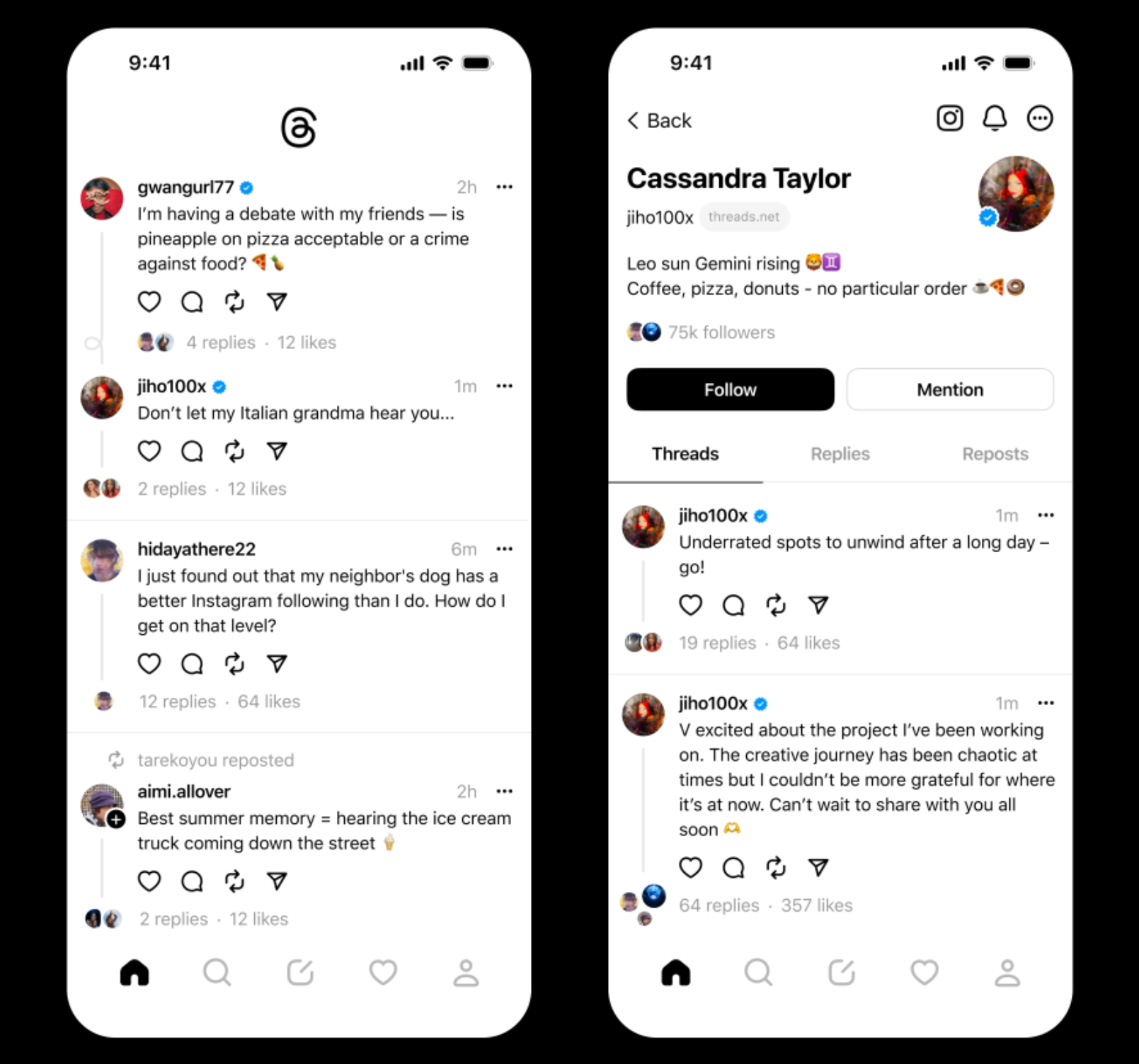
Setting up a Threads profile for your dental practice is an exciting new way to connect with patients, showcase your expertise, and build a strong online presence. Follow this step-by-step guide on how to set up threads and get started on your threads specifically for dentistry and Social Media Marketing
Step 1: Download the Threads App
1. Open the app store on your mobile device (iOS or Android).
2. Search for “Threads” and locate the official Threads app.
3. Tap on “Download” or “Install” to download the app to your device.
4. Once downloaded, open the Threads app.
Step 2: Sign Up or Log In
1. On the Threads app home screen, you will see options to either “Sign Up” or “Log In.”
2. If you are a new user, tap on “Sign Up” and enter your email address, create a strong password, and follow the prompts to complete the registration process.
3. If you already have a Threads account, tap on “Log In” and enter your credentials to access your account.
Step 2.1: Log In with Your Instagram Account (If You Already Have Instagram)
1. On the Threads app home screen, tap on “Log In with Instagram.”
2. You will be redirected to the Instagram login page. Enter your Instagram credentials (username and password) and tap on “Log In.”
3. Grant the necessary permissions requested by Threads to access your Instagram account. Bonus Step: If you do not have an Instagram account set up you an check out our other blogs dedicated to Instagram and its benefits: Dental Instagram Account | How To Guide 27 Creative Instagram Post Ideas for Dentists – The Creative Composite – Marketing for Dentists Instagram Marketing for Dentists: How to Market Your Practice on Instagram – The Creative Composite – Marketing for Dentists
Step 3: Create Your Professional Profile
1. After signing in, you will be prompted to create your professional profile. Tap on “Create Profile.”
2. Enter your dental practice’s name and provide accurate contact information, including phone number, email address, and website (if applicable).
3. Fill in your practice’s location details, including the address, city, state or county, and post or zip code.
4. Optionally, you can write a brief and engaging bio for your dental practice. Highlight key services, qualifications, and any unique selling points that set your practice apart.
5. Upload a professional profile picture, such as your clinic’s logo or a picture of your team.
Step 3.1: Customize Your Threads Profile (If You Already Have Instagram)
1. After logging in with your Instagram account, you will be prompted to customize your Threads profile.
2. Add your dental practice’s name and verify that your contact information from Instagram is correct. You can make any necessary updates or additions.
3. Review and edit your bio to ensure it accurately represents your dental practice.
4. Upload a professional profile picture, such as your clinic’s logo or a picture of your team.
Step 4: Link Your Instagram Account
1. Threads automatically links to your Instagram account, which allows you to seamlessly share content between the two platforms.
2. To ensure the link is established, navigate to your Threads settings.
3. Tap on “Settings” (usually represented by a gear or three dots icon).
4. Look for the option to link your Instagram account. If prompted, follow the instructions to complete the linking process.
Step 4: Customise Your Profile
1. Tap on the “Edit Profile” button to customise your profile further.
2. Add a cover photo that represents your dental practice visually. You can choose an image that showcases your clinic, team, or dental treatments.
3. Review the provided options to include additional information, such as business hours, parking details, or any special offers.
4. Make sure to save your changes by tapping on the “Save” or “Done” button.
Step 5: Start Sharing Content
1. Tap on the “+” icon at the bottom center of the screen to create a new post.
2. Choose whether you want to upload an image or video from your device’s gallery or take a new one using the Threads app.
3. Add a compelling caption to accompany your post. You can provide context, share dental tips, or announce upcoming events.
4. Optionally, use relevant hashtags to increase the visibility of your post.
5. Once you’re satisfied with your content and caption, tap on the “Share” or “Post” button to publish it.
Here is our guide on how you can use Threads for your social media marketing for your dental practice.
Step 6: Engage with Your Audience
1. Regularly check your notifications tab to see comments, likes, and shares on your posts.
2. Respond promptly and thoughtfully to comments and messages, providing helpful answers and addressing any concerns.
3. Take the opportunity to engage with your audience by following other dental professionals or patients who align with your practice’s values.
4. Explore other Threads profiles, like and comment on their content, and participate in conversations to expand your reach and build relationships.

Step 7: Monitor and Analyse Performance
1. Utilise the built-in analytics feature of Threads to monitor your profile’s performance.
2. Access the analytics section to gain insights into post reach, engagement, and audience demographics.
3. Analyse which types of content resonate best with your audience and adjust your strategy accordingly.
Conclusion
By following this step-by-step guide, you can set up a professional and engaging Threads profile for your dental practice. Remember to share regular valuable content, engage with your audience, and monitor your insights to continuously improve and grow your online presence. Threads gives you a platform to create meaningful relationships with your clients providing a sense of trust and loyalty between you both
For any further enquires feel free to reach out to our dental marketing team for expert support .
Use our Contact Form now or call us via: 0161 884 3301 where we can help create a specialised marketing plan for you and your needs.