


Optimising your Google Business Profile can make your dental practice stand out. If you feel like you’re not showing up enough (or at all) on Google Maps for dentists and local searches, you can increase your visibility by having a verified and optimised Google My Business profile. Your Google My Business listing helps more patients discover your practice at the exact moment they are actively searching for treatments and ready to book an appointment.
If you want to know how to set up Google My Business or GBP, The Creative Composite can help. We can set up or optimise your Google Business Profile, so your practice becomes easier to find and attracts more local enquiries.
What is Google My Business?
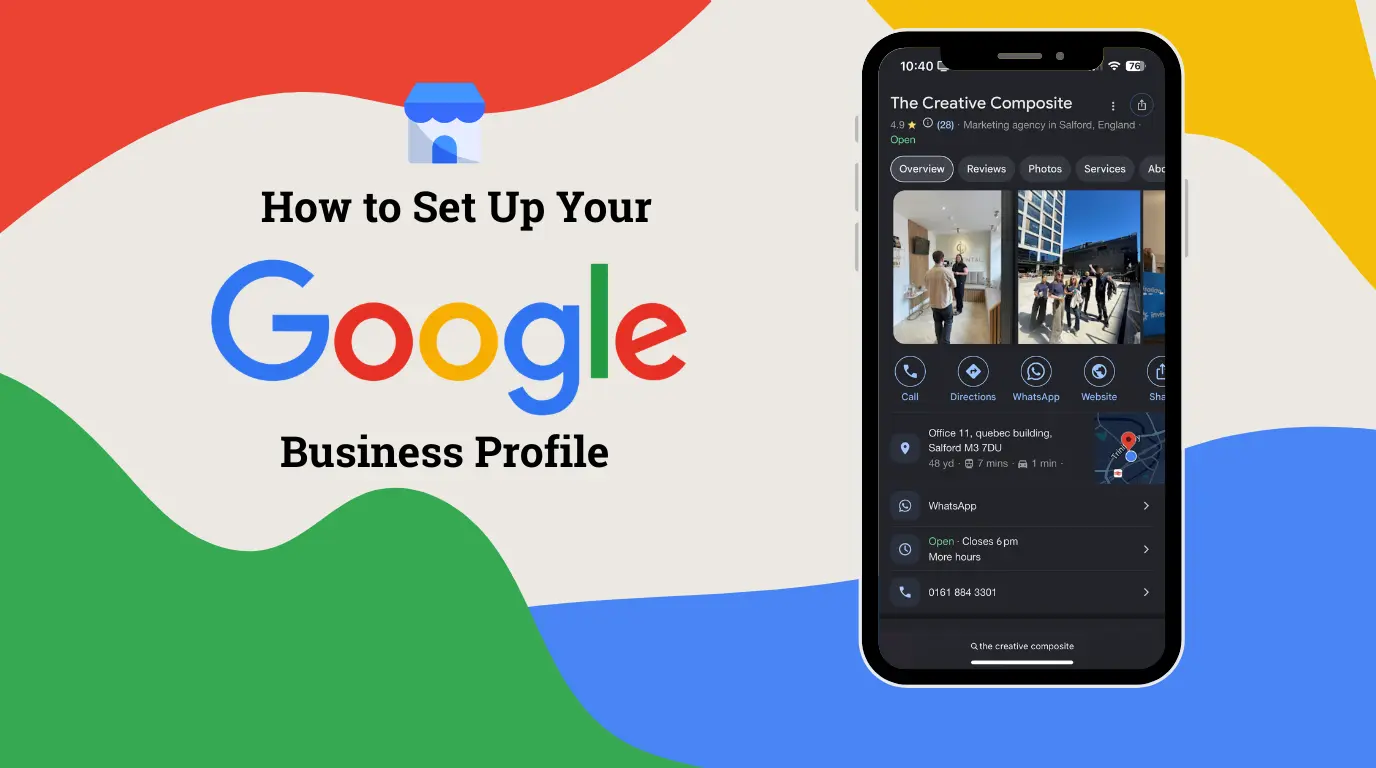
It’s a digital storefront that you can use to manage how your dental practice appears on Google Search and Maps. Now referred to as Google Business Profile, it’s part of improving local SEO for dentists and includes essential information such as:
- Your practice’s address
- Contact information
- Opening hours
- A link to your website
- Photos of the facilities
- Reviews from your patients
Setting up your Google Business Profile is free, although you need to pay if you want your practice to appear at the top of search results as a sponsored ad. Don’t worry, because you can still maximise your Google My Business listing as a free tool by keeping it updated and optimised instead of leaving it alone after the initial set-up.
Patients often get their first impressions of your practice from your Google Business Profile. They decide to book a treatment based on the information you present, so it’s important to build a strong profile that instils trust and is optimised for high visibility.
How Google Business Profile benefits your dental practice
Building strong Google Business listings delivers the following benefits for your practice:
- Showcase your services, contact information, and photos for free
- Improve local search visibility
- Appear in Google Maps for dentists search results
- Increase high-quality enquiries, phone calls, and appointment bookings
- Build trust through patient reviews
How to set up Google My Business: a step-by-step guide
Step 1: Sign up for a Business Profile
First, you need to sign up for a Business Profile using a Google Account for best practice. You can do this by either creating a new Google Account with a Gmail or another preferred email address, or using an existing Google Account with any email address.
Step 2: Search for your name
earch for your practice name to make sure that you will not create a duplicate listing. If your name exists, you can claim it, but if it does not, you can add your business name.
tep 3: Enter or add your practice name
Make sure that you only use your official business name. Avoid using keywords or location tags, because these details are meant for different sections of the Google Business Profile.
Step 4: Choose a primary category
Select “dentist” as your profile’s primary category, and then set your secondary categories (orthodontist, cosmetic dentist, etc.) accordingly.
If you’re unsure of your primary category, you can start by choosing the best option that fits your practice. For example, if you mainly offer aesthetic dentistry treatments, then “cosmetic dentist” might be a better primary category than “dentist”.
You can also go on Google Maps, search your target keywords, and check the primary category used by the top-ranked businesses in your local area.
Step 5: Add your practice location
This is where you will input your clinic’s complete address, including service areas if applicable.
Step 6: Input contact information
Fill in your phone number, appointment booking link, and website URL.
Step 7: Verify your profile
Google will do the verification through a phone call, an email, or a video recording before your profile goes live on Maps and Search.
Step 8: Fill in every section
When applicable, make sure not to leave any of these sections blank:
- Business description – a summary of your practice’s essential information, such as location, services offered, and why patients should choose you. It’s limited to 750 characters, so it’s best to place the most important details in the first 250 characters.
- Opening hours and holiday hours
- Payment methods
- Accessibility information
- Attributes
When you fill out all the sections, your profile appears active, well-maintained, and legitimate to patients who are looking for the services you offer. Also, Google’s algorithm gives higher local search rankings to GBPs with complete information, so your practice will become more visible.
Step 9: Optimise your dental practice profile
Post high-resolution photos of different areas of your practice, patient reviews, special offers, and other content to optimise your Google Business Profile.
If you’re wondering, how do you list your business on Google Maps? The answer is, your practice will appear in a dental clinic local search once your Google business account profile is fully verified and optimised. Make Google Maps for dentists work to your advantage
How to optimise your Google Business Profile
Choose the most precise primary category
Your primary category dictates how well your profile comes up in specific searches. You can only set one primary category, so it should be broad enough to increase the possibility of your practice showing up in general searches (such as for “dentists” or “dental clinic”).
After choosing your primary category, you can then use the secondary categories to zero in on the specialist services your practice offers, such as emergency dental service, cosmetic dentistry, dental implants, etc.
Include all relevant services
Aside from listing the primary and secondary categories, you should also include available services (such as root canal treatment, invisible braces, dental veneers, etc). If you leave this portion blank, you’re missing the opportunity to let Google understand what your practice offers, which can lower your visibility in relevant searches.
You can enhance the service list even further by including short descriptions with keywords used by patients actively seeking treatment and most likely to book appointments.
Define your service area
By accurately mapping your service area, you improve your practice’s visibility to patients in and around your local radius by appearing in relevant searches.
Update your content regularly
When you regularly post photos, offers, and other updates, Google sees these as signs that your profile is active and managed properly. Maintaining an updated profile helps your practice rank higher in Google, promotes engagement with audiences, and builds trust through visuals even before patients step through the doors.
Patient reviews
Sharing feedback from your patients allows you to build trust, especially when you include personalised responses. Courteous, genuinely warm replies give your audiences a glimpse of the level of care they can expect from your practice. Meanwhile, responding calmly to negative feedback showcases your professionalism, building confidence in future patients who value the same traits.
Need help with setting up or optimising your Google Business Profile?
Contact The Creative Composite. We can set up or optimise your GBP as part of our SEO service. Our team of dental marketing professionals will take care of full profile optimisations, monthly posts, and Map Pack Ranking enhancement to boost your local search visibility.
Conclusion
An optimised Google Business Profile is an effective and affordable way to attract new patients to your dental practice. It’s an easy way to make a solid first impression, and you can make it work long-term with updated information and content. When your practice is hard to find, you might miss out on opportunities for converting searches into actual bookings for treatments. A properly set up and maintained Google My Business listing lets you attract more local patients and build trust, improve your dentist Google Maps ranking, and establish a strong online presence.
Is Google Business Profile free for dentists?
Yes, it’s completely free. You can use it to make your dental practice more visible to local patients without spending anything, especially when you keep the profile optimised with the correct information and regular updates.
Can patients book appointments through my Google Business Profile?
Yes, patients can book through this digital storefront. In your profile’s appointment links section, you can put a link to your practice’s booking landing page, so that patients are automatically directed to your website when they are ready to book. Alternatively, you can enable a native “book online” button and connect it to a Google-supported scheduling platform. This allows patients to book their consultations or treatments without being redirected from Google Search or Maps.
How long does Google Business Profile verification take?
Typically, the verification process lasts approximately 5 business days, although there are some profiles that get instantly verified. In case Google requires you to send a video verification of your practice’s location, the verification process may take up to 7 days.
Can I have multiple Google Business Profiles for different practice locations?
Yes, you will need to create a separate profile for each practice you have. This is because Google considers a dental practice with a real-world address as a distinct business location, even if it belongs to one core company. When creating separate profiles, you can use location details as identifiers for each location. In addition, each profile will need to be verified separately by Google.